
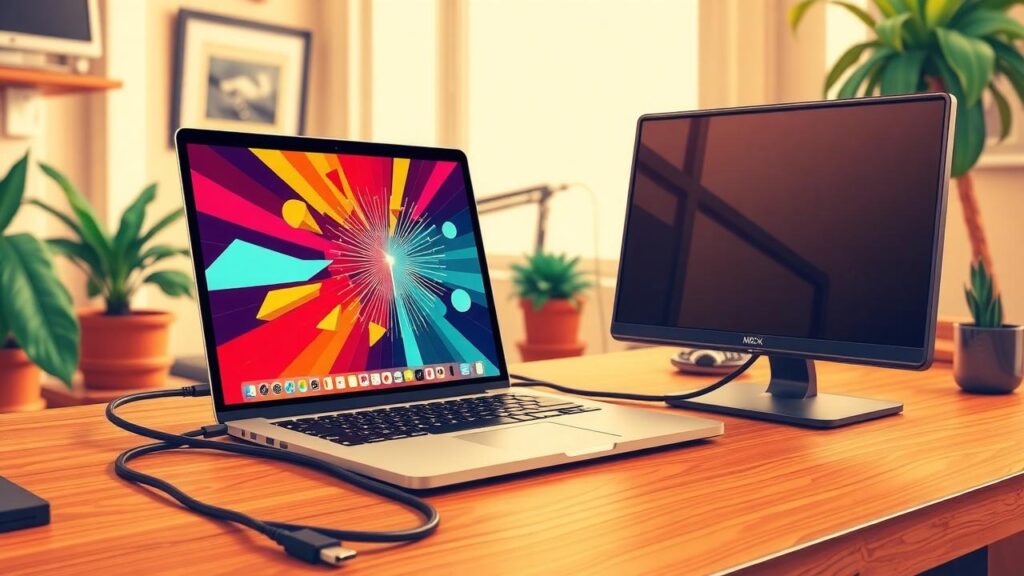
External display not detected on your MacBook: how to fix it
If your MacBook doesn't recognize an external display, check connections, input source, and use macOS to detect displays. Restarting devices may also help.
Read
If your MacBook doesn't recognize an external display, check connections, input source, and use macOS to detect displays. Restarting devices may also help.
Read
Time Machine on Macs simplifies backups by connecting an external drive, automatically saving data hourly and daily. It enables file…
Read
Two cloud jobs get confused all the time: keeping your files in sync, and keeping them safe. They are not…
Read
When your MacBook’s fan kicks into high gear and the chassis feels warm, it’s usually a sign that something’s working…
ReadThe most useful productivity apps are the ones that stay out of the way. This list covers the tools that…
ReadNotifications on the Mac are manageable once you understand the system. Focus modes take it further, letting you define different…
ReadGetting a new Mac right from the start saves a lot of cleanup work later. This guide covers the setup…
ReadEvery macOS update comes with a list of changes that reads like it was written for engineers. Here is what…
ReadThe Mac menu bar is underused real estate. These free apps add genuinely useful functions without cluttering things up —…
ReadMost people use Spotlight just to open apps. These seven tricks show how much more it can do, including calculations,…
Read